Customer Reviews: How to Ask, Reply and Report
Create a Google Business Profile reviews link, ask for honest feedback, reply professionally and report policy violations using Google’s official review tools.
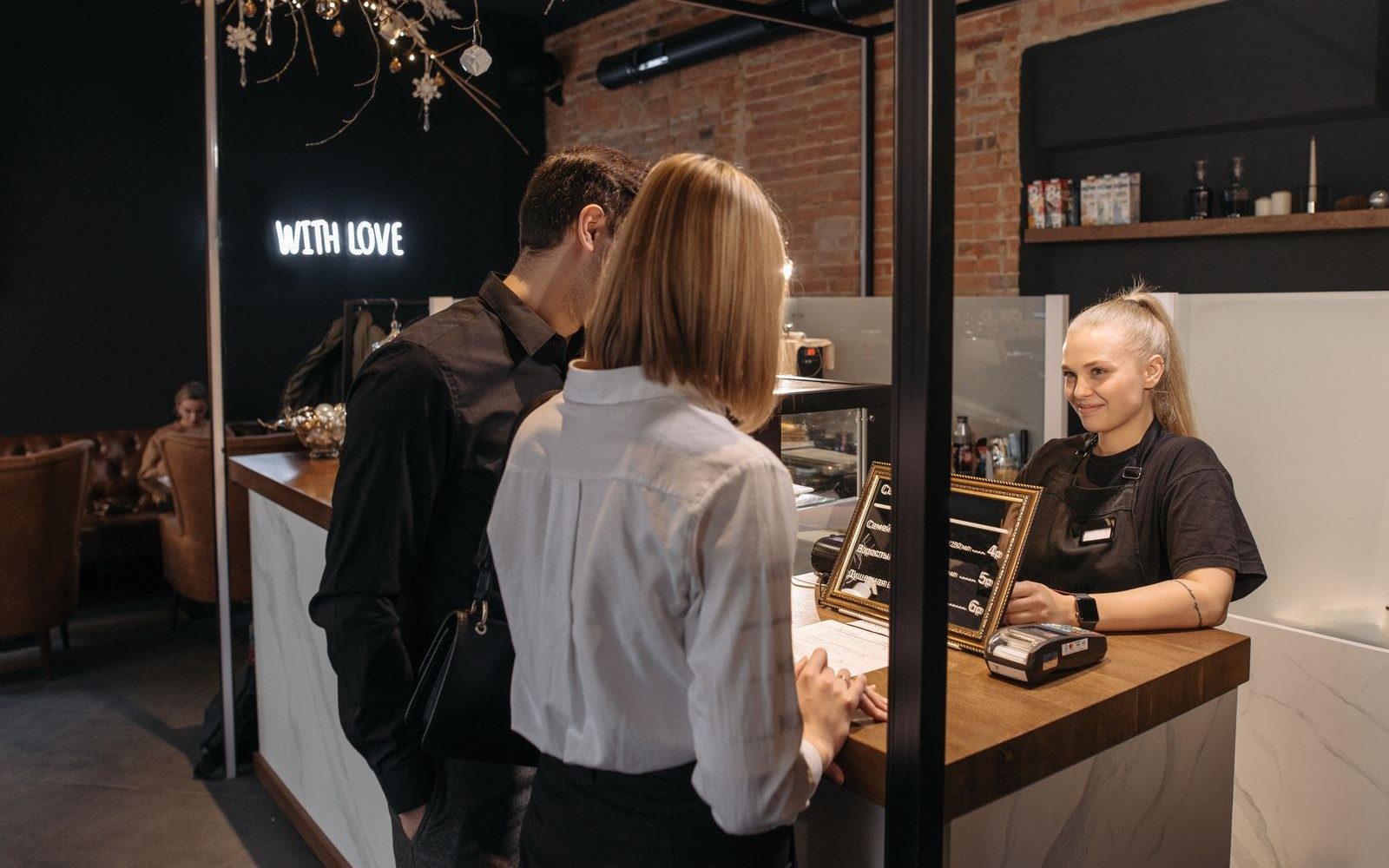
A customer thanks you after a repair. Another leaves a complaint online. How should you handle each?
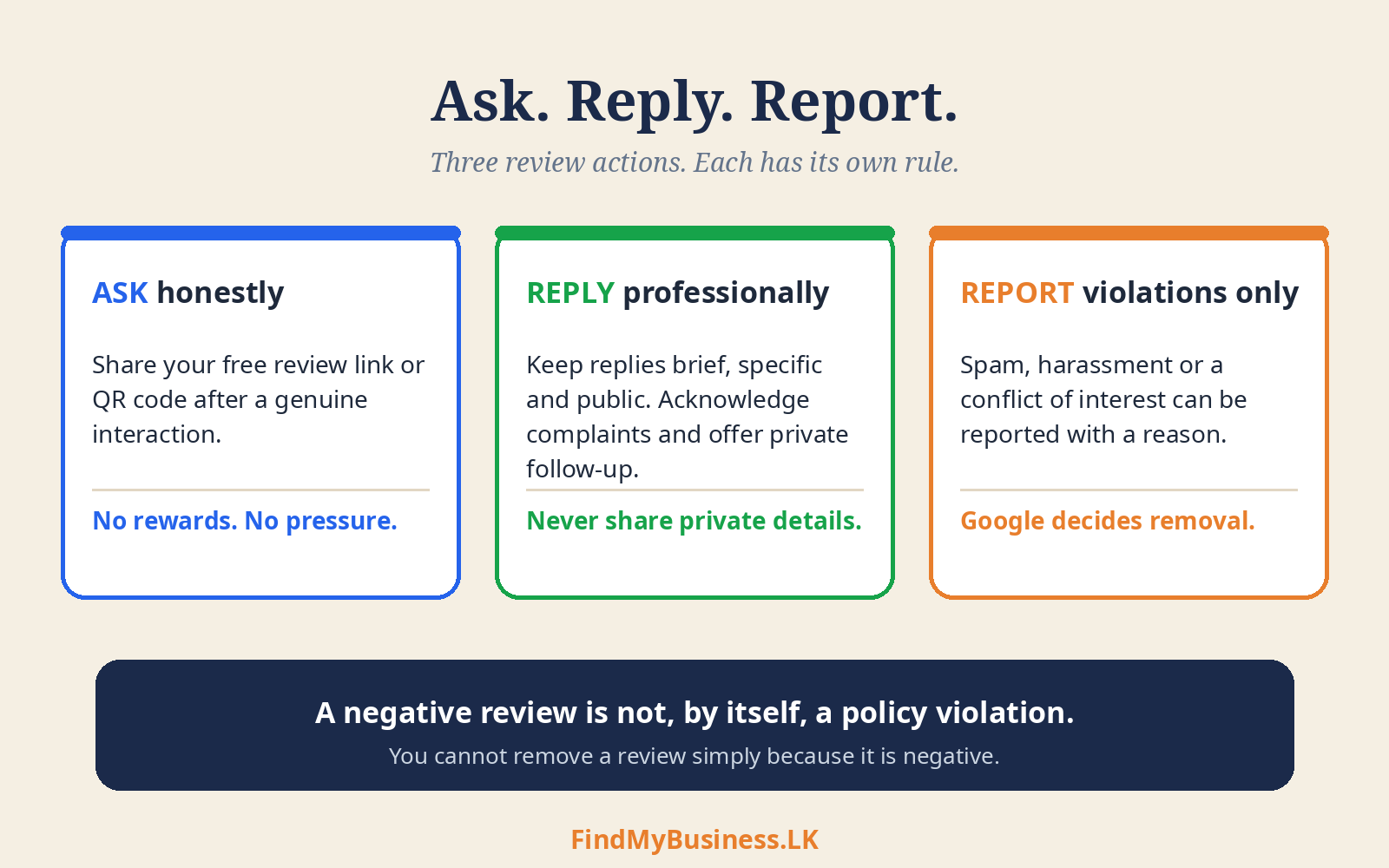
Invite honest feedback, reply professionally and report policy violations. You cannot remove a review simply because it is negative.
1. Which Action Do You Need?
| Your situation | Next step |
|---|---|
| You want customer feedback | Share your review link or QR code. |
| A customer leaves a review | Read it and respond appropriately. |
| A review may violate policy | Report the specific violation. |
| A review is missing | Check moderation delays and support guidance. |
2. How Do You Ask for Reviews?
After a genuine interaction, offer a voluntary invitation:
“Thank you for visiting. You can share your experience using this link: [review link].”
Do not request five stars or offer rewards. Avoid review gating: directing satisfied customers to Google while sending unhappy customers only to private feedback. Do not pressure customers, set staff review-request quotas or demand specific wording.
3. How Do You Create a Review Link?
To get your Google Business Profile reviews link:
Open your Business Profile while signed in.
Select Read reviews → Get more reviews.
Copy the link or save the QR image.
Test that it opens the correct business’s review form.
Google provides the review link and QR code for free. Desktop browsers currently support direct QR generation. Customers need a Google account to leave a review, but not necessarily a Gmail address.
Share the link after a service. Place a review QR stand at a counter, reception desk or table. Let customers choose whether and when to respond.
4. How Do You Reply to Customer Reviews?
Your business must be verified. Open Read reviews, select Reply beside the review, write your response and submit.
Keep replies brief and specific. Acknowledge complaints and offer private follow-up. Adapt these examples to the facts:
Positive: “Thank you for your feedback. We’re pleased the repair met your expectations.”
Complaint: “We’re sorry to hear about the delay. Please contact us on [business number] so we can look into it.”
Replies are public. Do not disclose private order details, customer phone numbers or private conversations. Avoid arguments and promises you cannot fulfil.
5. When Should You Report a Review?
Report suspected spam, harassment, conflict of interest or other policy violations. Disagreement with customer criticism alone is not grounds for removal. An unfamiliar reviewer name does not prove a review is fake.
Open Read reviews and select Report (or the three-dot menu) beside the review.
Choose the relevant reason and submit.
Check the report using Google’s Reviews Management Tool.
Open the Reviews Management Tool. Eligible rejected reports can receive a one-time appeal. Google decides removal.
If reviews are missing, check Google’s guidance; moderation can cause delays. If someone demands payment to remove reviews, preserve evidence, do not pay and use Google’s extortion-reporting guidance.
How Can FindMyBusiness.LK Help?
At FindMyBusiness.LK (FMB), we prepare review links and package materials. Stickers and A4 stands make the review form easier to reach.
If you would like help replying to or reporting reviews, contact FMB to discuss the support available and any additional charges. Google decides whether reported reviews are removed. Customer ratings reflect their own experiences and opinions.
FMB’s One-Off Setup Packages
| Package | What the package includes |
|---|---|
| Base package · LKR 5,000 | Google Business Profile setup and verification assistance, plus a digital review QR file you can print. |
| LKR 6,500 | Everything in the Base package, plus a custom printed review QR sticker couriered to your shop. |
| LKR 7,500 | Everything in the LKR 6,500 package, with the sticker mounted on a durable A4 L-shaped stand for your counter or table. |
| LKR 10,000 | Everything in the LKR 7,500 package, including the A4 stand, plus a WhatsApp chat link added to your Google Business Profile, where available. |
Google Business Profile is free. FMB charges for its setup work and package materials. Google determines verification requirements and approval.
You retain primary ownership through your own Google account.
Need Help With Your Review Link?
Send us your business name and town or village. Confirm separate review-management scope and charges with us. Never send passwords or verification codes.
WhatsApp: +94 77 390 9362
Call: +94 77 390 9362
Website: FindMyBusiness.LK