Update Your Business Hours for Holidays and Prayer Breaks
Update holiday hours on Google Business Profile for Poya days, festivals and prayer breaks. Choose the right settings and help customers plan their visits.
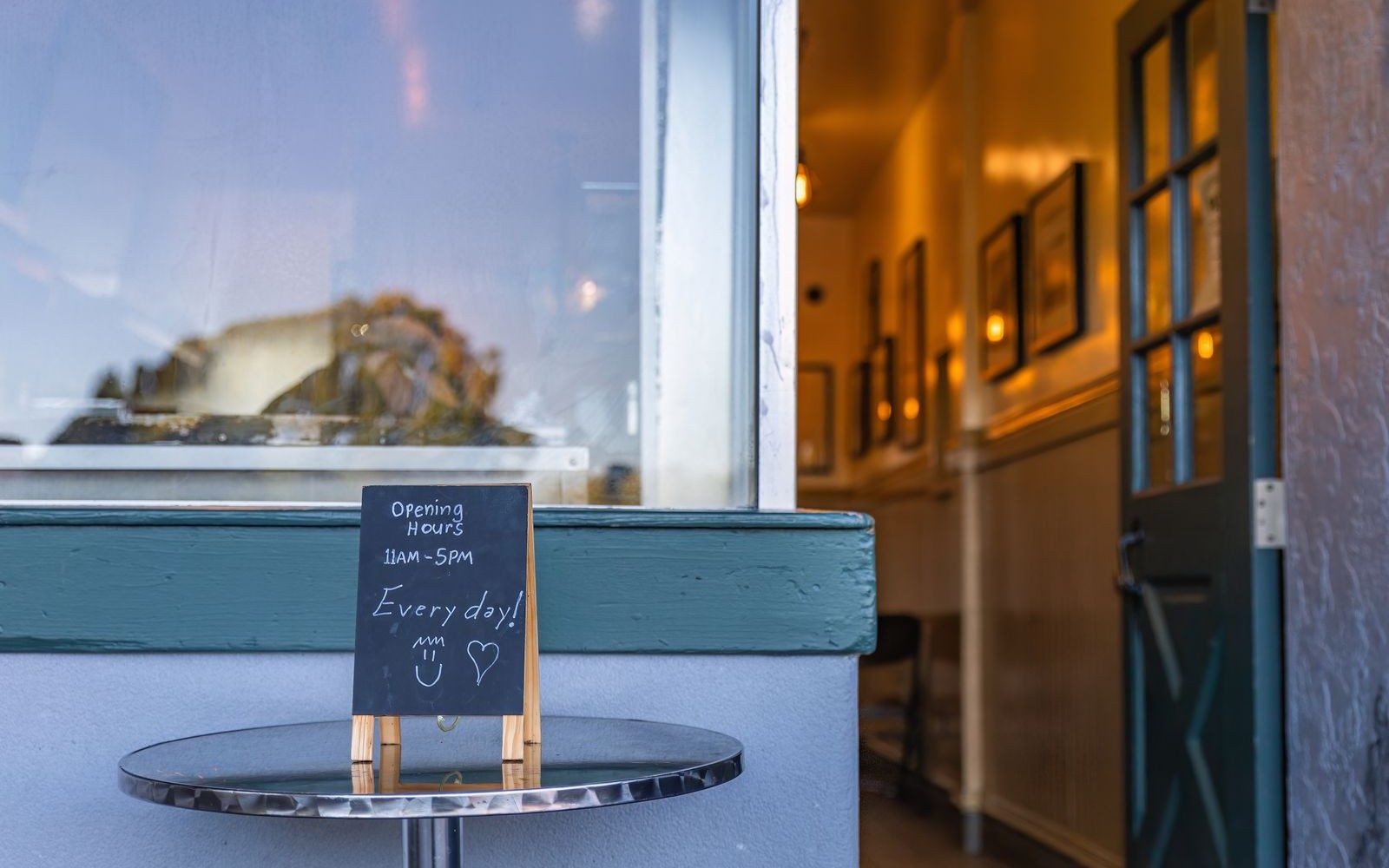
Your shop closes for Friday prayers. A customer checks Google, sees it marked open and arrives during the break.
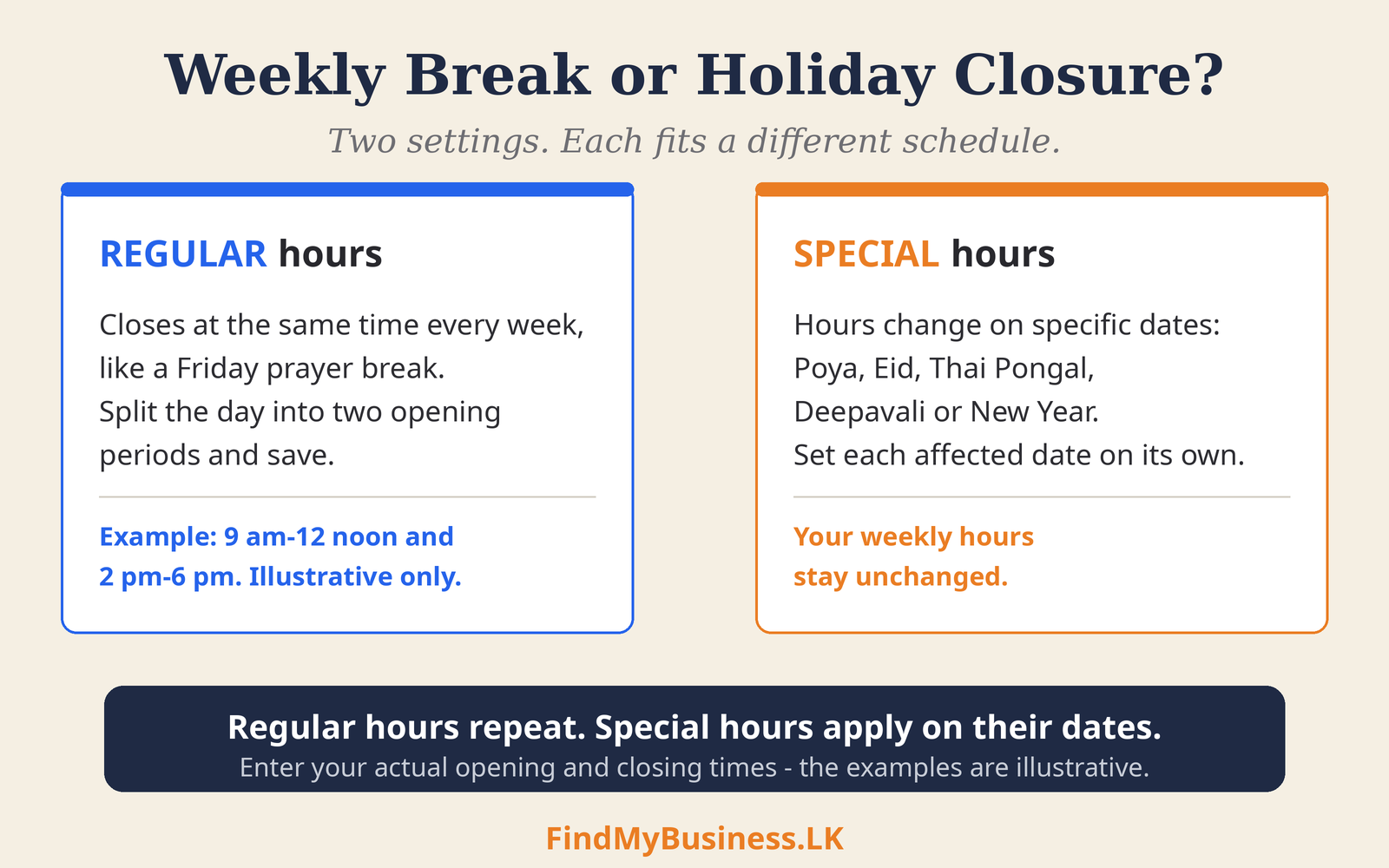
Your Google Business Profile should show when customers can receive service. Use regular hours for weekly breaks and Special hours for particular dates.
1. Which Setting Fits Your Schedule?
| Your situation | What to use |
|---|---|
| A weekly Jummah prayer break or recurring Sunday closure | Regular weekly hours, with separate opening periods where needed. |
| Poya, Eid, Thai Pongal, Deepavali, Christmas or New Year changes | Special hours for each affected date. |
| Temporary shorter hours during Ramadan | Special hours for the affected dates. |
| Delivery or collection has separate service times | More hours, where the option is available. |
| An extended or indefinite closure | Check Google’s temporary-closure guidance. |
2. How Do You Show a Weekly Prayer Break?
If the whole business closes every Friday for Jummah prayers:
Open your profile while signed in with appropriate access.
Select Edit profile → Hours and edit your main hours.
Enter Friday’s first opening period, then select Add hours.
Enter the second opening period and save.
For example: 9 am–12 noon and 2 pm–6 pm. These are illustrative shop hours, not prescribed prayer times. Enter your actual closing and reopening times.
If staff attend prayers but others continue serving customers, show the hours the business remains available.
3. How Do You Update Holiday Hours?
To update holiday hours on Google Business Profile:
Select Edit profile → Hours → Special hours.
Review a suggested date or choose Add a date.
Mark the date closed or enter the actual opening periods.
Save, then check the public profile for the relevant date.
Special hours require your profile to be set to Open with main hours. You can enter multiple opening periods for a date. Confirm holiday hours even when they match your usual schedule.
4. Which Dates Should You Check?
Check Poya days, religious festivals and any additional days your business will close. A local observance can need an update even when it is not a public holiday.
Use the Department of Government Printing’s calendar and later official notices to check holiday dates. For moon-sighting observances, check relevant local religious announcements before confirming your schedule.
Enter the dates your business actually changes its hours. Do not assume every business follows the same closure pattern.
5. What About an Extended Closure?
For an extended or indefinite shutdown, check Google’s temporary-closure guidance. If appropriate, select Edit profile → Hours, edit your main hours and choose Temporarily closed.
When this temporary break ends, select Open with main hours, check your weekly schedule and save. See Google’s reopening instructions. Do not mark a holiday break as permanently closed.
6. What Mistakes Should You Avoid?
- Changing the weekly schedule for a single holiday.
- Announcing a closure on social media or messaging apps without updating Google.
- Leaving out extra closure days before or after a festival.
- Marking a holiday closure as permanently closed.
- Assuming a saved edit is already visible. Check what customers see.
If an hours update cannot be completed, follow any profile instructions or contact Google Business Profile support.
How Can FindMyBusiness.LK Help?
At FindMyBusiness.LK (FMB), we can organise your confirmed schedule and update agreed hours through authorised access. You provide accurate dates and times. If you would like help updating holiday or prayer-break hours, contact us to discuss the support available and any additional charges.
Our permissions guide explains how to add a manager to your Google Business Profile. View our one-off setup packages for setup assistance.
Google Business Profile is free. FMB charges for its setup work and package materials. Google determines verification requirements and approval.
You retain primary ownership through your own Google account.
Need Help Updating Your Hours?
Send us your business name and town or village, the affected dates and your confirmed hours. Do not send passwords or verification codes.
WhatsApp: +94 77 390 9362
Call: +94 77 390 9362
Website: FindMyBusiness.LK