Google Business Profile Videos and Photos: What to Show and What to Avoid
Preparing Google Business Profile photos or a verification video? See Google's file rules, what evidence to show and how to avoid common upload mistakes.
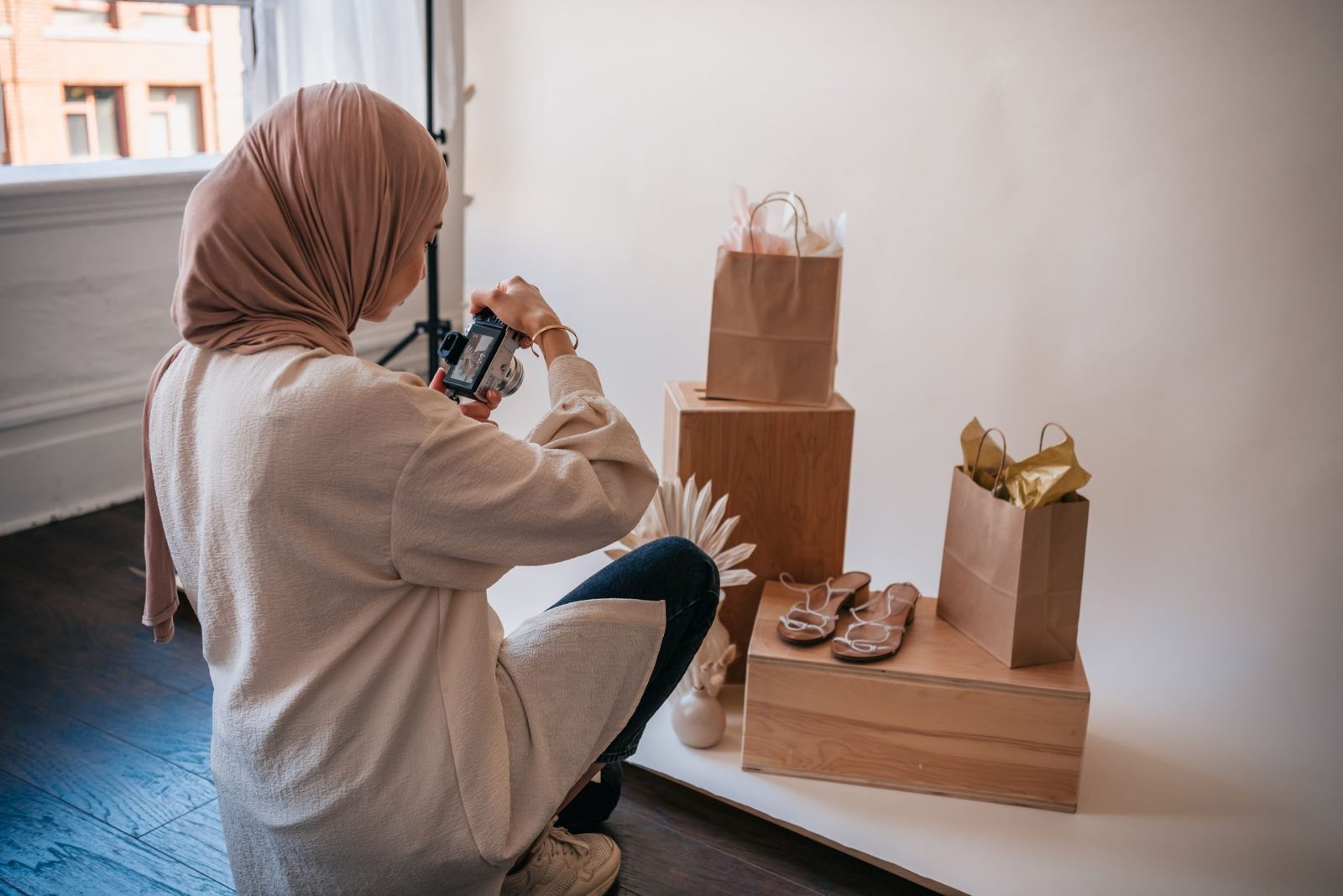
Google may request a verification video. Profile photos and videos help customers see your premises, products and work. Each has a different purpose.
1. What Are You Preparing?
| Material | Purpose |
|---|---|
| Verification recording | Helps Google assess your location, business and authority to represent it. |
| Public profile photos and videos | Help customers recognise your premises and understand your services. |
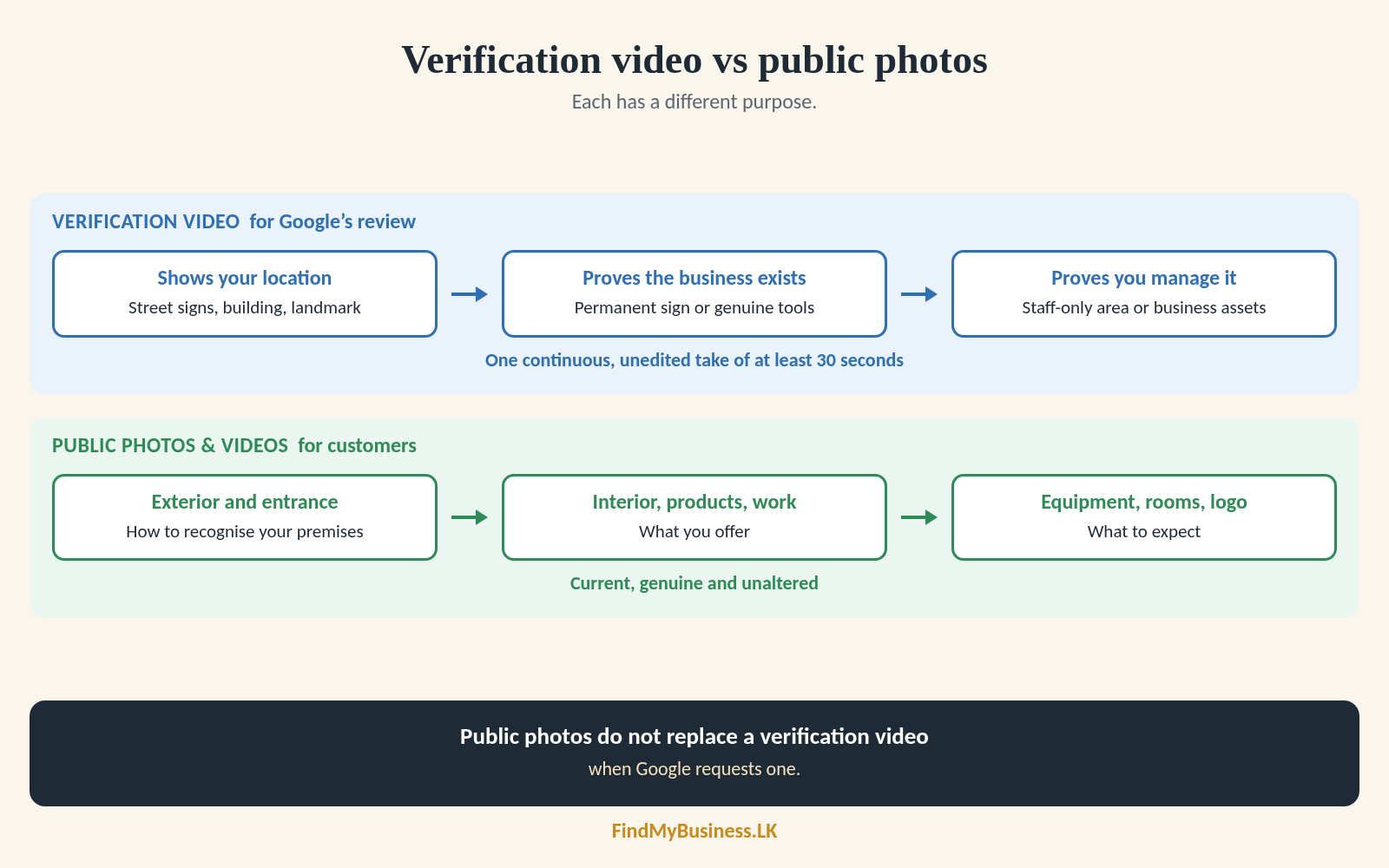
Public photos do not replace a verification video when Google requests one. Do not upload supporting documents as public photos.
2. Prepare Before Recording
Read Google’s prompts. Plan a route showing requested evidence; check your phone, lighting and surroundings. Keep private details out of view.
3. What Should Your Verification Video Show?
| What to establish | Shop or customer-facing premises | Business that travels to customers |
|---|---|---|
| Location | Street signs, building number or nearby landmark. | Identifiable surroundings at your operating base. |
| Business exists | Permanent sign matching your profile name. | Genuine tools, equipment or business materials. |
| You manage it | Access to a staff-only area or equipment. | Perform a service or access business assets, such as a work vehicle. |
Choose evidence that fits your operation. A shop might show its sign and staff-only area; a mobile technician, tools and work vehicle. These are examples, not scripts or approval guarantees.
4. Record and Submit the Video
If offered, open your profile on a mobile device and select Get verified. Record at least 30 seconds in one continuous, unedited take through your profile. Review and upload it. Do not record offline for later.
If Google asks you to try again, read its feedback and include the missing evidence. See our guide to verify your Google Business Profile for the wider review process.
5. What Should You Avoid?
| Verification recording | Public photos and videos |
|---|---|
| Do not edit or join clips, use temporary or borrowed signs, or show only products. | Do not show another business’s work or services you do not offer. |
| Do not omit location or management evidence, or use documents instead of required signage. | Avoid excessive filters or alterations that misrepresent the business. |
| Keep sensitive information and other people’s faces out of the recording. | Protect customer details and private spaces. Get permission before sharing identifiable people or work at their premises. |
Verification recordings must exclude other people’s faces. Public team photos are different: get appropriate permission before posting identifiable people.
6. Which Profile Photos Are Useful?
| Photo | What customers can see |
|---|---|
| Exterior and entrance | How to recognise your premises. |
| Interior, products or food | What the customer-facing space offers. |
| Equipment and completed work | The services you provide. |
| Rooms or facilities | What guests can expect at your guest house. |
| Logo | How to recognise your business. |
A mobile service should show genuine tools and work. Keep photos current. Google may not display your selected cover photo first.
7. File Requirements and Upload Status
| Material | Google’s published guidance |
|---|---|
| Verification recording | At least 30 seconds; one unedited take recorded through your profile. |
| Public photos | JPG or PNG; 10 KB–5 MB; 720 × 720 pixels recommended; 250 × 250 minimum. |
| Public videos | Up to 30 seconds; up to 75 MB; 720p resolution or higher. |
Pending media is not visible; Live media appears on Search and Maps; Not approved media is not published. If Google Business Profile photos are not showing, check their status and your profile’s verification. Google says uploads can take 24 to 48 hours, not a guaranteed deadline.
How Can FindMyBusiness.LK Help?
FindMyBusiness.LK (FMB) helps small businesses create or claim their Google Maps presence. We explain Google’s requests and help organise materials. You may need to record evidence through your own profile.
Only share honest information and materials you are authorised to provide. Google decides verification and media approval.
Google Business Profile is free. FMB charges for its setup work and package materials. Google determines verification requirements and approval.
You keep primary ownership through your own Google account. We need written or digital authorisation before creating, claiming or managing a profile. Keep passwords and codes private.
See our one-off setup packages at findmybusiness.lk.
Need Help Preparing Your Materials?
Send your business name, town or village, and what Google asked you to provide.
WhatsApp: +94 77 390 9362
Call: +94 77 390 9362
Website: findmybusiness.lk