Keep Your Google Business Profile Updated and Check Your Results
Keep your Google Business Profile updated, follow a practical maintenance checklist and check performance figures to understand how customers find and contact you.

Your profile is live. Months later, it still shows an old phone number and a service you no longer offer.
Google Business Profile maintenance means keeping information accurate and checking how customers interact with it. You can do this yourself or get help managing it.
1. What Should You Check and When?
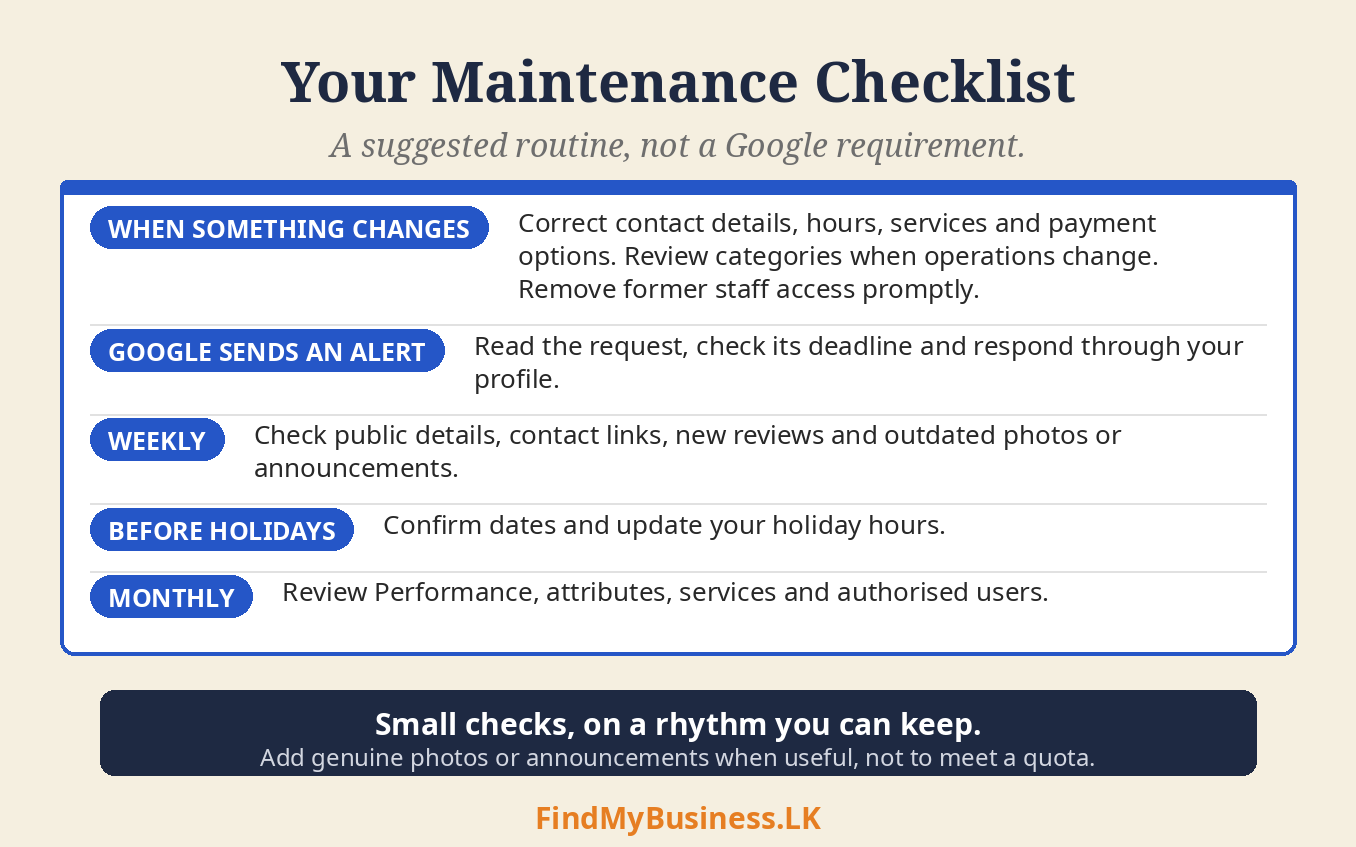
| When | What to check |
|---|---|
| When something changes | Correct contact details, hours, services and payment options. Review categories when operations change. Remove former staff access promptly. |
| When Google sends an alert | Read the request, check its deadline and respond through your profile. |
| Weekly | Check public details, contact links, new reviews and outdated photos or announcements. |
| Before holidays | Confirm dates and update holiday hours on Google Business Profile. |
| Monthly | Review Performance, attributes, services and authorised users. |
This is a suggested routine, not a Google requirement. Add genuine photos or announcements when useful, rather than meeting a quota.
2. Why Should You Check Alerts Promptly?
Google can update details using public information and user suggestions. Certain suggested edits give you four days to accept or reject them after notification. Other updates can happen without prior review.
Open your profile and select Edit profile. Look for update notices or changed fields. Compare them with your actual operation. Accept accurate suggestions where offered; correct inaccurate details and save. Check whether your edit is accepted, pending or not approved.
Our holiday-hours guide explains temporary schedules.
3. How Do You Check Performance?
Performance data is available for verified profiles. Sign in with owner or manager access, then:
Open your Business Profile on Google Search.
Select Performance.
Choose the reporting period and select Apply.
Review the available measures and record the dates used.
Only measures relevant to your business appear. Search-term data updates monthly and may take up to five days to appear. Reports can include activity from Google Ads as well as unpaid results.
4. What Do the Figures Actually Mean?
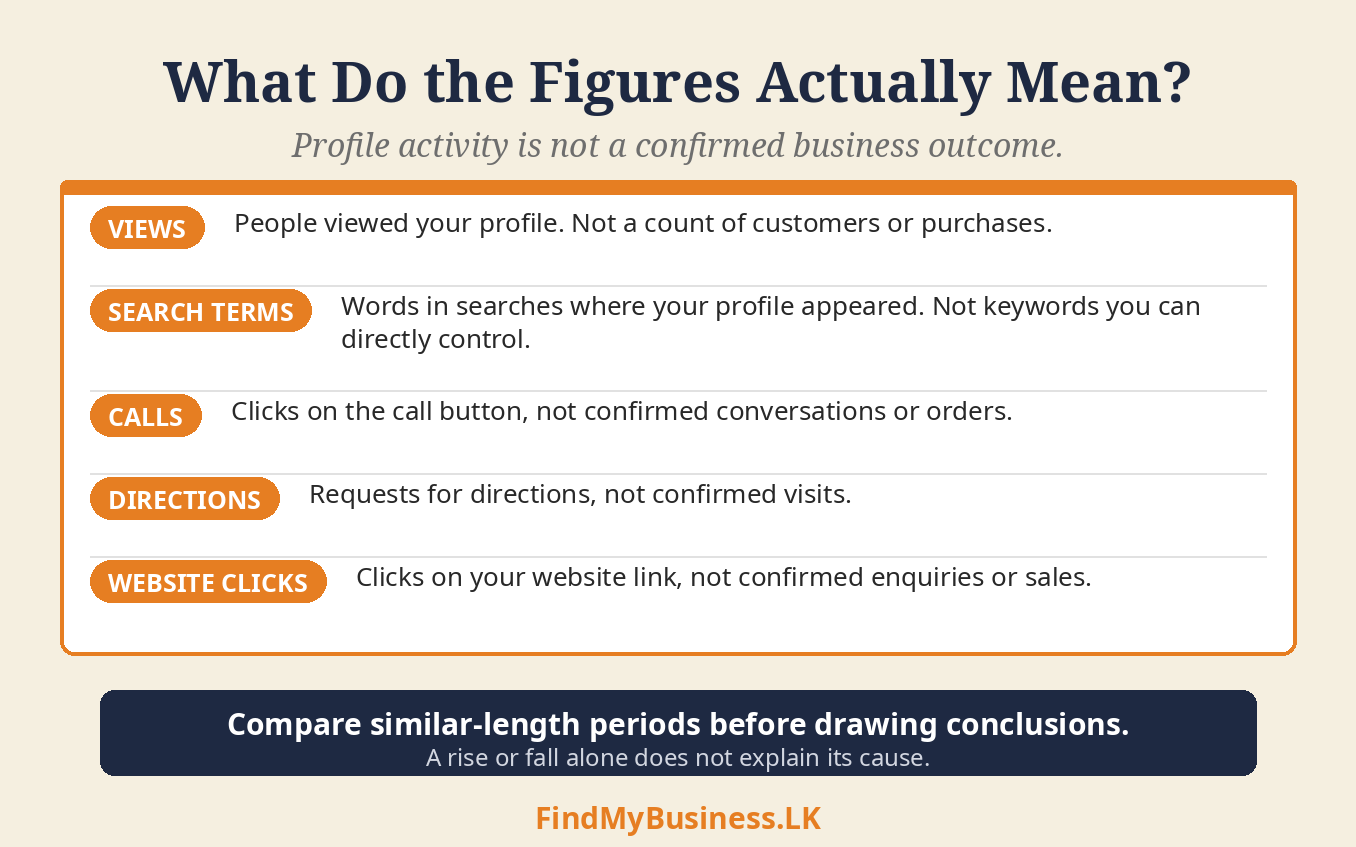
| Measure | What it tells you |
|---|---|
| Views | People viewed your profile. This is not a count of customers or purchases. |
| Search terms | Words used in searches where your profile appeared. These are not keywords you can directly control. |
| Calls | Clicks on the call button, not confirmed conversations or orders. |
| Directions | Requests for directions, not confirmed visits. |
| Website clicks | Clicks on your website link, not confirmed enquiries or sales. |
5. How Can You Use the Results?
Compare similar-length periods. Note holiday closures, seasonal demand, advertising and changes you made. A rise or fall alone does not explain its cause.
For example, more direction requests may suggest interest in visiting. Check actual visits and customer feedback before concluding that sales increased.
Keep a simple monthly record: reporting dates, available figures, relevant changes and actual enquiries or orders. Ask customers how they found you when appropriate. Their answers help explain the figures but will not capture every source of business.
6. What Should You Avoid?
Changing accurate names or categories simply to chase views.
Posting repetitive content just to meet a daily quota.
Treating profile interactions as confirmed revenue.
Assuming one quiet month means the profile is broken.
For review requests, use your Google Business Profile reviews link and follow our customer-reviews guide. Our visibility guide covers profiles that are difficult to find.
How Can FindMyBusiness.LK Help?
At FindMyBusiness.LK (FMB), we can help check details, organise agreed updates and explain available performance figures. Authorised access lets us assist without your password. If you would like ongoing support, contact us to discuss the work and any additional charges. We cannot guarantee rankings, enquiries or sales.
Our permissions guide explains how to add a manager to your Google Business Profile. View our one-off setup packages for setup assistance.
Google Business Profile is free. FMB charges for its setup work and package materials. Google determines verification requirements and approval.
You retain primary ownership through your own Google account.
Need Help Maintaining Your Profile?
Send us your business name and town or village, and explain the help needed. Do not send passwords or verification codes.
WhatsApp: +94 77 390 9362
Call: +94 77 390 9362
Website: FindMyBusiness.LK