Your Business Is Already on Google Maps: How to Claim It or Request Ownership
Already found your business on Google Maps? Learn how to claim an unverified profile, request ownership and avoid duplicate listings.
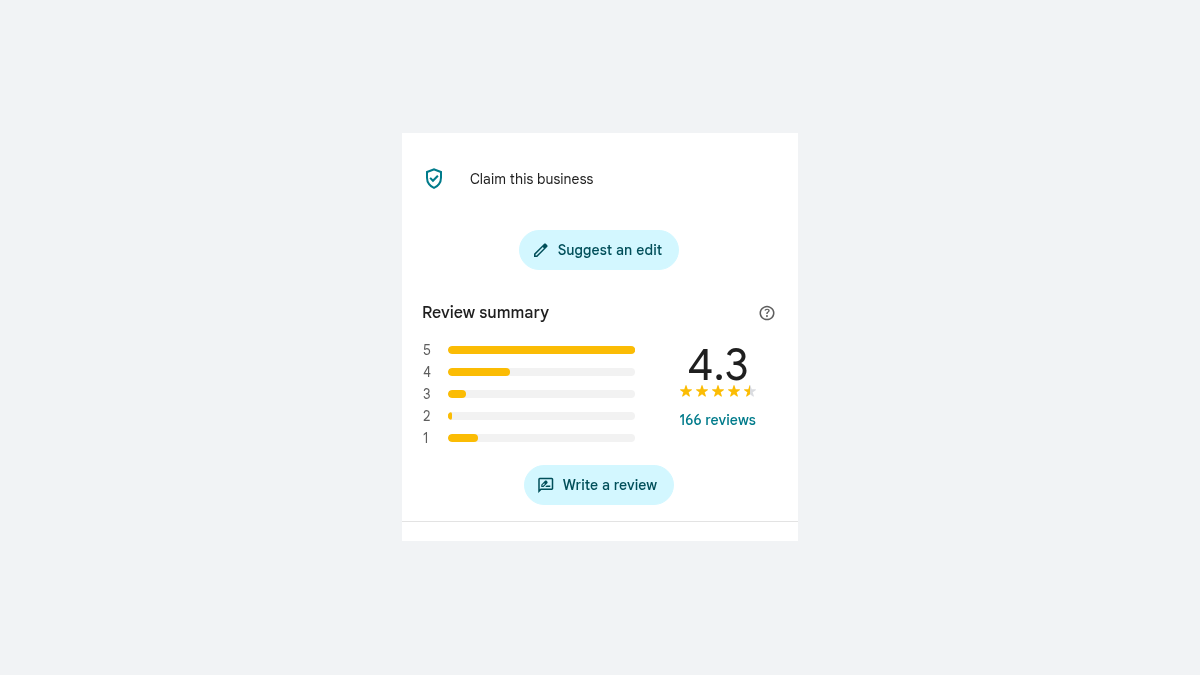
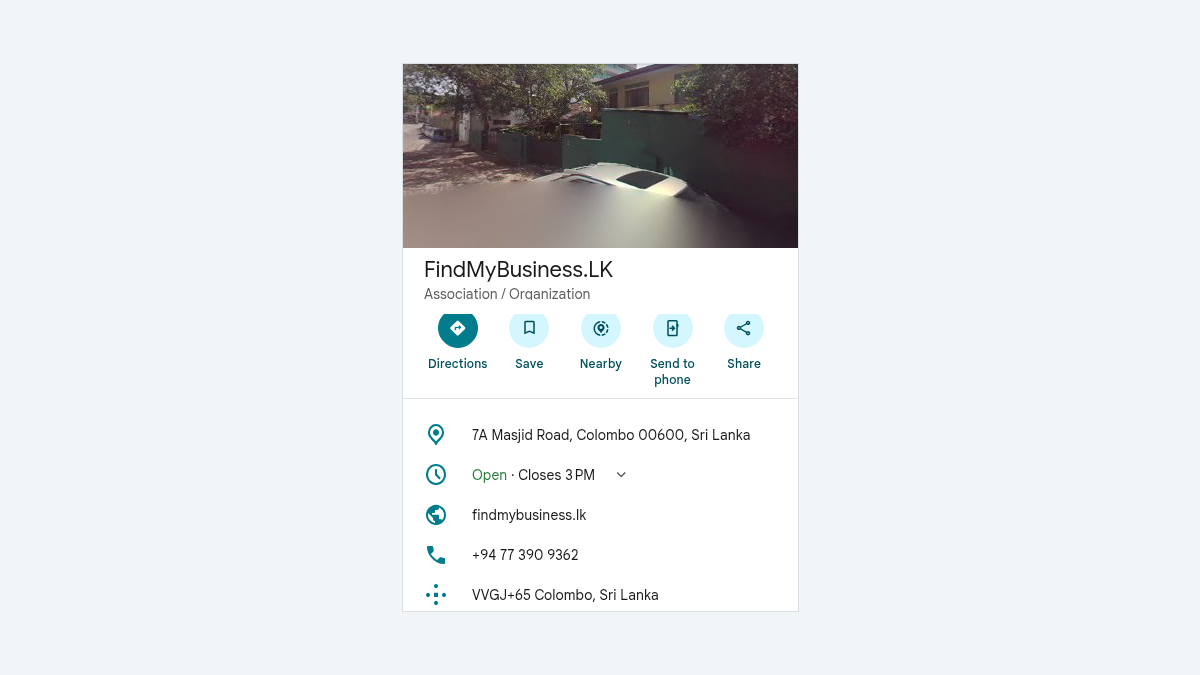
You find your shop on Google Maps, but cannot update its hours or reply to reviews.
Check your access, then claim the unverified profile or request ownership.
1. Check Which Situation Applies
Search the business name and town. Compare the address, phone and photos, especially for branches.
| Your situation | Where to start |
|---|---|
| Listing is unverified and offers a claim option | Claim the existing profile and follow Google's verification steps. |
| You may have used another account | Sign in to it or use Google Account recovery. |
| Someone else manages the verified profile | Ask them for access or request ownership. |
| You find more than one listing | Check Google's duplicate-profile guidance before making changes. |
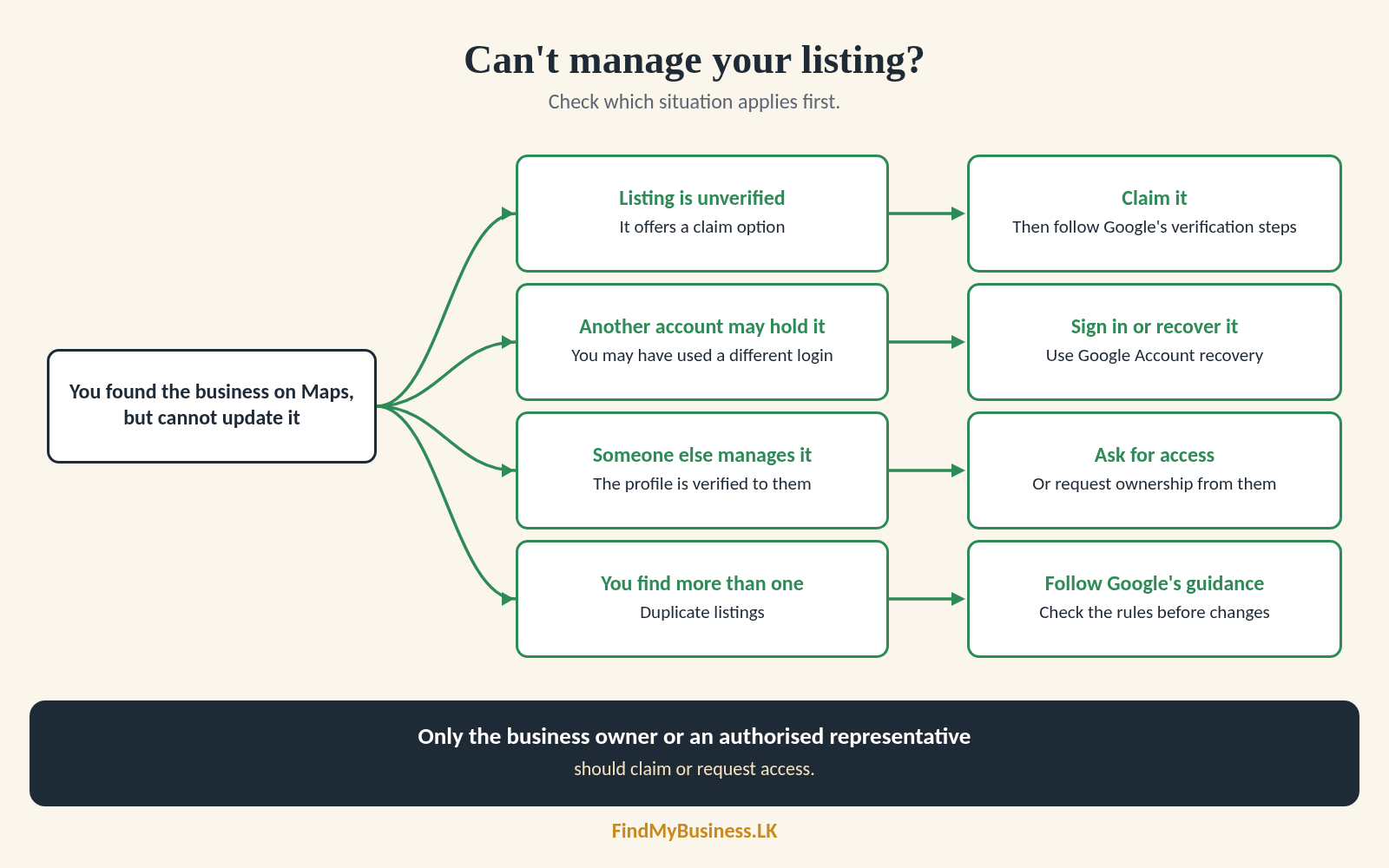
Only the business owner or an authorised representative should claim or request access. Public information does not prove that you have this authority.
2. Claim an Unverified Profile
On Google Maps, search the business name and city. Select the correct listing, then Claim this business and Manage now. Choose an offered verification method and follow the prompts. In the app, look under About.
Claiming a profile is free, but Google may require verification. See our guide to verify your Google Business Profile for the available methods.
Cannot Find the Claim Option?
Check that you are in the right account. You may already manage the listing. If someone else claimed your business on Google, request access to it.
3. Request Ownership from Someone Else
If available, ask the current owner to add you through profile permissions. You do not need their password. Manager access differs from primary ownership; an owner must transfer it.
| Business type | Google's request route |
|---|---|
| Storefront or hybrid | Go to business.google.com/add, enter your business name and address, select the correct profile, choose Request Access and submit the form. |
| Service-area business | Contact Business Profile support. Enter "Transfer ownership of listing" and follow the prompts. |
4. What Happens After You Request Ownership?
The current owner has three days to respond. Keep the confirmation email and use it or your signed-in profile to check the request.
| Outcome | What to do |
|---|---|
| Approved | Follow the email and check your access and role. |
| Denied | Review the email. You may be able to appeal. |
| No response after three days | Check for a Claim or Verify option. It is not always available. |
No response does not guarantee ownership. Google may still require verification or more information.
5. Mistakes to Avoid
| Avoid | Do this instead |
|---|---|
| Creating a new listing because you cannot sign in | Recover your account or request access to the existing profile. |
| Requesting the wrong branch | Compare the address, phone number and photos. |
| Overlooking an older Google Account | Check accounts previously used for the business. |
| Using the storefront route for a service-area business | Use the support route Google provides. |
| Removing content or marking the business closed to regain access | Use the claim or ownership process. Profile removal is permanent and may not remove the public listing. |
| Sharing passwords or verification codes | Use profile permissions and complete private verification steps yourself. |
6. Check Your Access
Check your role, business details and remaining users. New owners and managers may wait seven days before transferring ownership or removing users.
How Can FindMyBusiness.LK Help?
FindMyBusiness.LK (FMB) can help identify the correct listing and guide you through a claim or ownership request. With your written or digital authorisation, we organise relevant details and help with follow-up.
We cannot bypass Google's ownership checks, override another owner or guarantee a transfer. Ownership disputes may require separate assistance, so confirm the scope and charges before choosing a package.
See our one-off setup packages at findmybusiness.lk.
Google Business Profile is free. FMB charges for its setup work and package materials. Google determines verification requirements and approval.
We arrange primary ownership through your own Google account so you retain control. Keep passwords and verification codes private.
Need Help Accessing Your Existing Profile?
Send your business name, town or village, and the Google Maps link. Tell us what happens when you try to manage the listing. Do not send passwords or verification codes.
WhatsApp: +94 77 390 9362
Call: +94 77 390 9362
Website: FindMyBusiness.LK