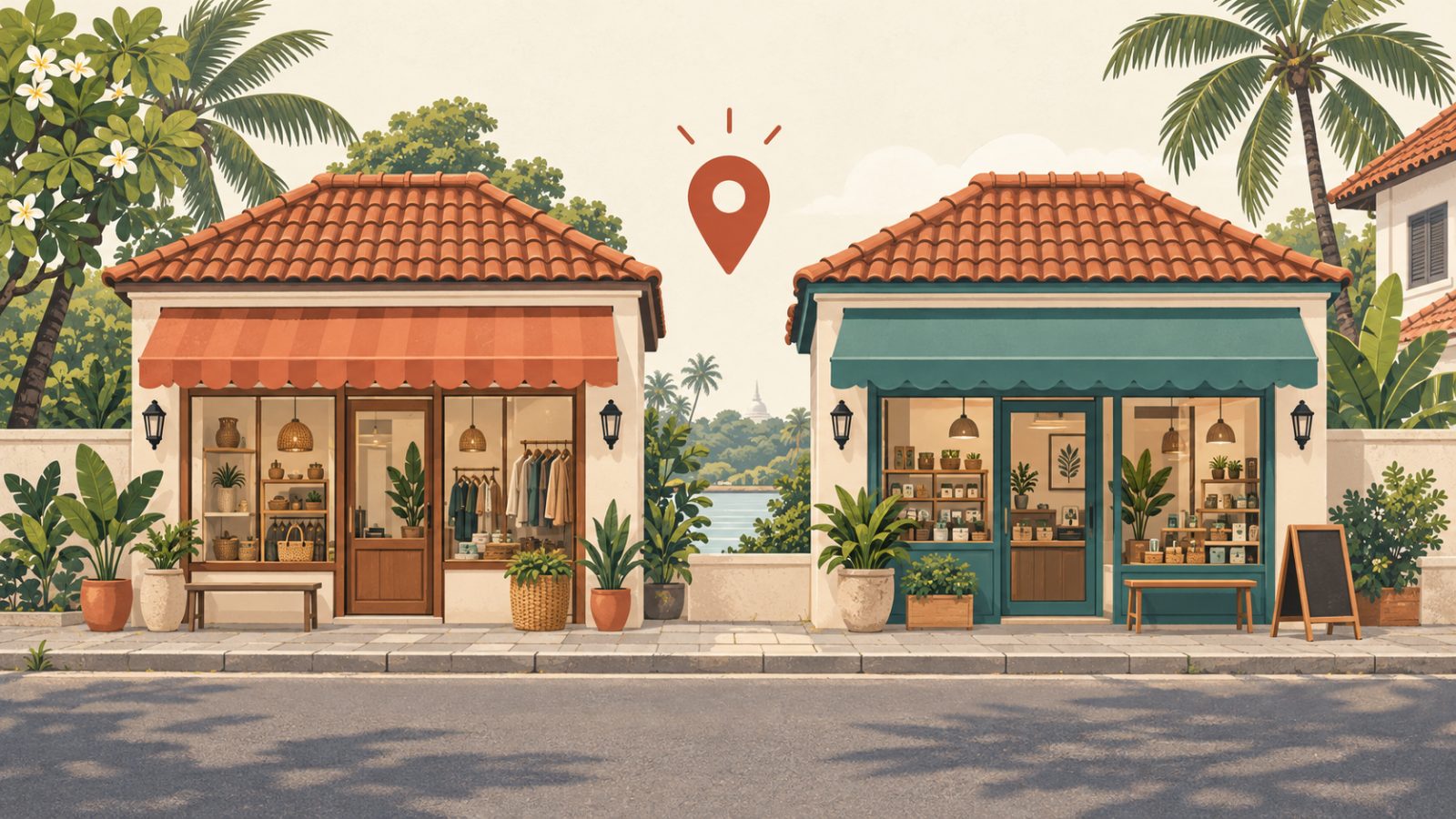
Show Your Menu, Products or Services on Your Google Business Profile
Add a menu, products or services to your Google Business Profile. Check available tools, explain prices clearly and keep your offerings accurate for customers.
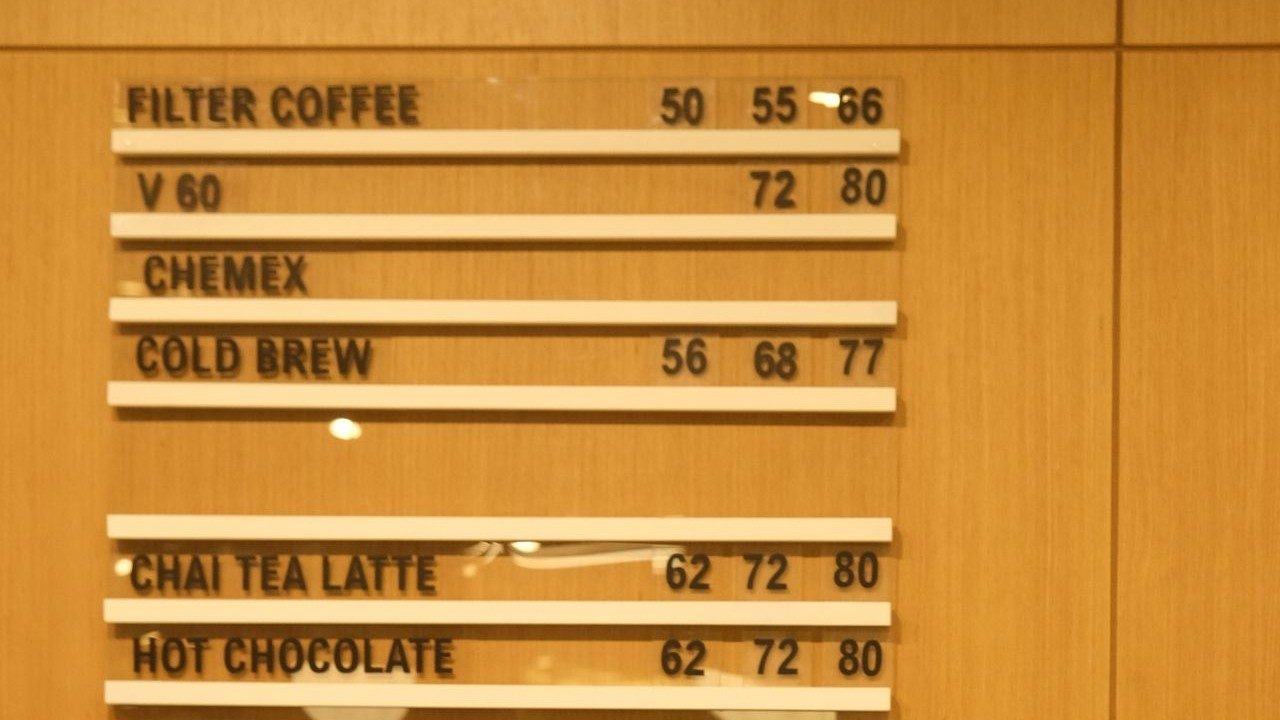
A customer finds your café, salon or shop on Google. Before calling, they want to know what you offer and what it costs.
Available tools depend on your business and profile. Check the controls before preparing a catalogue.
1. Which Tool Fits Your Business?
| What you offer | Where to start, if available |
|---|---|
| Food and drinks | Edit menu: organise dishes, descriptions and prices into sections. |
| Services such as haircuts or repairs | Edit services: select suggested services or add genuine custom services. |
| Physical goods sold in a shop | Edit products: follow the available form or linked Merchant Center route. |
Sign in with owner or manager access.
What Do the Controls Do?
| Control, where available | What to enter |
|---|---|
| Name and description | Identify the item and explain ingredients, features or work included. |
| Section or category | Group related offerings. Labels differ between editors. |
| Price | Enter accurate figures and explain conditions. Use only offered pricing options. |
| Image | Show the actual offering using images you own or are authorised to use. |
| Link | Use a relevant permitted destination. Test it after publishing. |
2. How Do You Add a Food Menu?
- Open your profile and select Edit menu.
- Choose Add menu section or Add menu item.
- Enter the relevant names, descriptions and current applicable prices, then select Save.
Group dishes into Breakfast, Rice and curry, or Desserts. Explain portions and accompaniments, using actual prices.
Under Photos of menu, upload readable menu images or a PDF. If Generate a menu appears, check extracted items and prices before publishing.
To add a menu link, look under Edit profile → Contact → Menu link. Link to a representative menu, not directly to a third-party delivery or ordering service. Ordering links serve a different purpose.
Google says menu changes can take 24–48 hours to appear. Existing menu integrations may affect which controls you see.
3. How Do You Add Services and Prices?
- Select Edit services and choose the services you actually provide.
- If needed, use Add more services → Add custom service.
- Open the service to add its description and price, then Save.
Examples include “AC servicing”, “Saree blouse stitching” or “Full vehicle wash”. Explain scope and exclusions. Keep prices and phone numbers out of custom service names.
If costs depend on inspection, say so. Use pricing options only where offered.
4. How Do You Add Products?
- If Edit products appears, open it and follow the displayed form.
- Complete the relevant product details and images.
- Select Publish. To update or remove an item, reopen it in Edit products.
A linked Merchant Center account may redirect you there. Product features have regional limits. Do not assume every Sri Lankan profile supports catalogues or automatic stock updates.
If the editor is unavailable, use relevant business photos, your website or an appropriate post to show genuine offerings. Do not select an inaccurate category to unlock features.
5. What Should You Check Before Publishing?
- Match descriptions, portions, sizes and prices to what customers receive.
- Explain charges and price differences by portion or purchase method.
- Use accurate images you own or have permission to publish.
- Remove discontinued offerings and correct old prices promptly.
- Check the public result and test links; saving does not guarantee immediate publication.
Products must comply with Google’s shopping policies. Violations can result in removal of all uploaded products. Our photo and posts guides cover related content rules.
For unresolved editing problems, follow the displayed instructions or contact Google Business Profile support.
How Can FindMyBusiness.LK Help?
At FindMyBusiness.LK (FMB), we can organise offerings and enter agreed details through authorised access. You approve item names, prices, descriptions and images before we publish. Agree menu or catalogue work and charges separately.
View our one-off setup packages for profile setup assistance.
Google Business Profile is free. FMB charges for its setup work and package materials. Google determines verification requirements and approval.
You retain primary ownership through your own Google account.
Need Help Showing What You Offer?
Send us your business name and town or village, and tell us which editor you see. Do not send passwords or verification codes.
WhatsApp: +94 77 390 9362
Call: +94 77 390 9362
Website: FindMyBusiness.LK