How to Add Your Business to Google Maps in Sri Lanka: Steps and Mistakes to Avoid
Add your business to Google Maps for free. Follow these setup steps, avoid common mistakes and learn when to claim an existing listing.
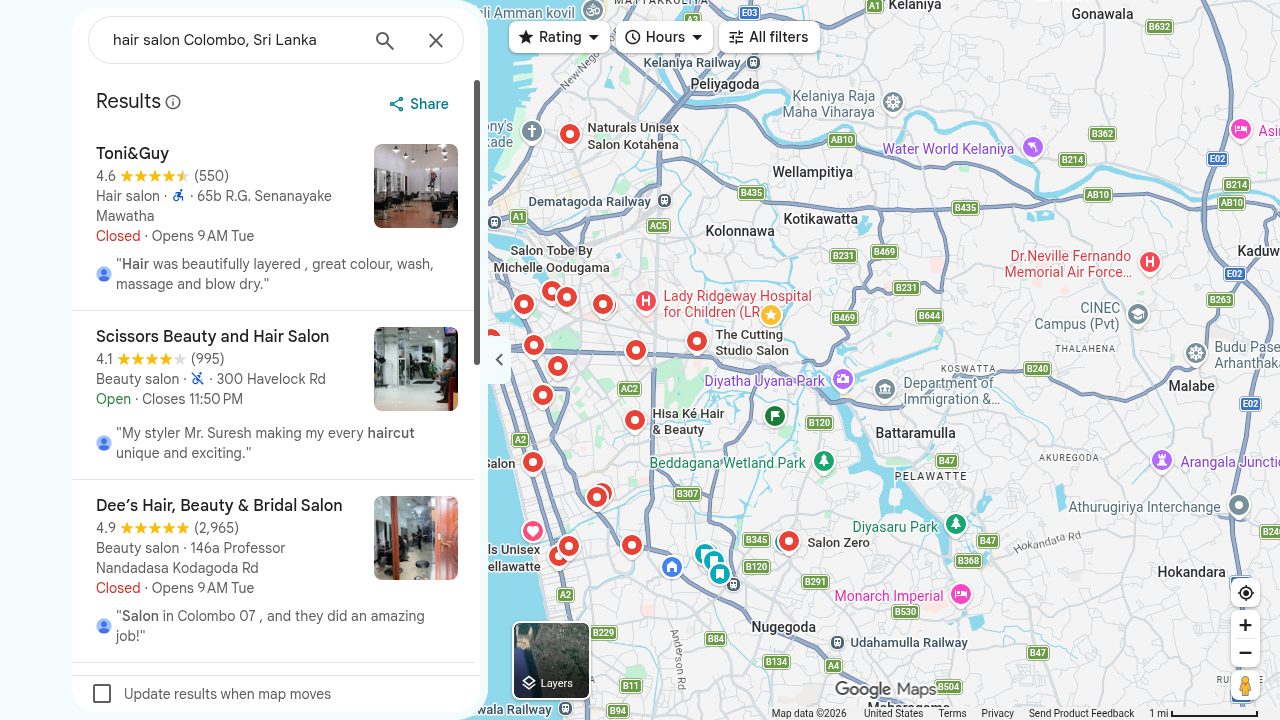
To add your business to Google Maps for free, create a Google Business Profile. Once verified, customers can find your details on Google Search and Maps.
Before You Begin: Your Setup Checklist
See our eligibility guide first.
| Prepare | What to check |
|---|---|
| Existing listing | Search your business name and town. |
| Google account | Use an account the owner controls. |
| Business details | Trading name, main activity and contact number. |
| Location | Address, map pin and areas served. |
| Customer information | Hours, short description and genuine photos. |
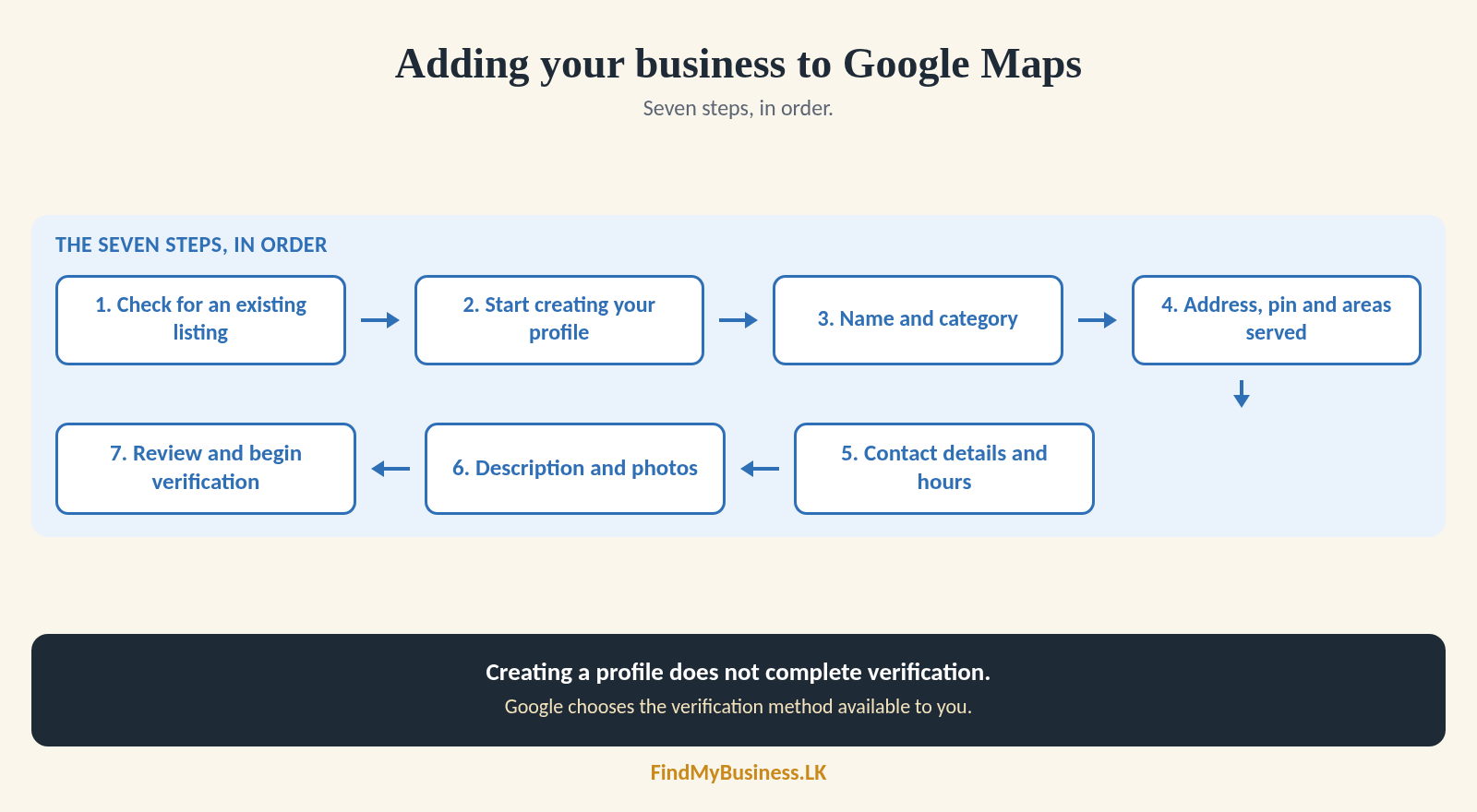
1. Check Whether Your Business Is Already Listed
Search your business name and town on Google Search and Maps. Compare the address, phone and photos. If it is yours, sign in; if unclaimed, claim it; if managed by someone else, request ownership. See our claiming guide.
Avoid creating a duplicate profile.
2. Start Creating Your Profile
If you searched “add my business to Google Maps”, go to business.google.com/add. Follow the prompts using the owner’s account. Grant helpers separate access; never share your password.
3. Enter Your Business Name and Choose a Category
Use your real-world business name. Choose the category that best describes your main activity. Add others only for genuine additional activities.
| Real business name | Avoid promotional additions |
|---|---|
| Perera Motors | Perera Motors Best Garage |
| Nugegoda Pharmacy | Nugegoda Pharmacy Cheap Medicines |
| Artisan Tailors | Artisan Tailors Colombo Number One |
Avoid slogans and search phrases in your name. Do not use categories as keywords. See our category guide.
4. Set Your Address, Map Pin and Areas Served
Enter the customer-facing address and check the map pin. List only areas you genuinely serve. Use the table to choose what to show.
| Customer arrangement | What to enter |
|---|---|
| Customers visit you | Enter your qualifying address and check the map pin. |
| You visit customers | Hide your base address if you do not receive customers there. List the areas you serve. |
| You do both | Add your customer-facing address and the areas you serve. |
Do not show an address where customers are not served.
5. Add Contact Details and Opening Hours
Add a regularly answered business phone number. A website is optional. Add social links where fields are available. Enter customer-facing hours and special hours for Poya days or holidays.
Do not mark the business open 24 hours just because you answer messages. Appointment-only businesses may have separate hours guidance.
6. Describe and Show Your Business
Add a clear description of up to 750 characters, with no links or promotional prices. Add genuine photos and relevant services or attributes. See our guide to Google Business Profile photos and videos.
7. Review Your Details and Begin Verification
Review your details. Google chooses the verification method available to you. Follow the profile prompts; creating a profile does not complete verification. See our verification guide.
How Can FindMyBusiness.LK Help?
FindMyBusiness.LK (FMB) helps small businesses create or claim their presence on Google and make use of every opportunity to be seen. We prepare your profile using Google’s agency tools and guide you through the verification Google requires.
FMB’s One-Off Setup Packages
| Price | What the package includes |
|---|---|
| Base package · LKR 5,000 | Google Business Profile setup and verification assistance, plus a digital review QR file you can print. |
| LKR 6,500 | Everything in the Base package, plus a custom printed review QR sticker couriered to your shop. |
| LKR 7,500 | Everything in the LKR 6,500 package, with the sticker mounted on a durable A4 L-shaped stand for your counter or table. |
| LKR 10,000 | Everything in the LKR 7,500 package, including the A4 stand, plus a WhatsApp chat link added to your Google Business Profile, where available. |
Google Business Profile is free. FMB charges for its setup work and package materials. Google determines verification requirements and approval.
You remain the primary owner. We receive agency access only after your written or digital authorisation. You enter your verification codes. Never share your password or code.
View our packages at FindMyBusiness.LK.
Want Assistance with Setup?
Send us your business name, town or village, and whether it already appears on Google. We will explain the next steps.
WhatsApp: +94 77 390 9362
Call: +94 77 390 9362
Website: FindMyBusiness.LK